Computer Lab Setup for Schools
Computer lab setup for schools with workstations, networking, UPS and power backup, peripherals, software and computer furniture. Configure the lab to class strength and available space.
Key Features
Plan a School Computer Lab Around Users, Power and Connectivity
A computer lab should be configured around how students will use the machines, the number of simultaneous users and the room's power and network capacity. Decide the workstation model before finalising hardware, furniture and backup requirements.
Decide whether students work one-to-one or share workstations, then estimate the required machine count.
Match computer specifications and software to the classes, subjects and applications being taught.
Plan LAN or Wi-Fi coverage, network equipment, power points, earthing and UPS capacity.
Check desk spacing, seating, cable routing, ventilation, security and future maintenance access.
Complete Inventory
The list below shows equipment categories and examples for this laboratory. Check final selection and quantities against the school's class levels, practical programme and existing inventory.
Core Hardware
- Desktop computers (quantity based on class strength)
- Teacher / instructor computer
- LED monitors
- Keyboards (spill-resistant)
- Optical/wireless mouse
- Headphones / headsets
- Webcams
Networking
- Wi-Fi router / access point
- Network switches (24/48 port)
- LAN cables (CAT6/CAT7)
- Patch panels and cords
- Network racks / cable organizers
- Fiber broadband connection
Power & Safety
- UPS units (individual or centralized)
- Power backup / inverter
- Spike guards / surge protectors
- Stabilizer
- Proper earthing system
- Cable trunking / wire management
- Fire extinguisher (CO₂ type)
Software
- Licensed OS (Windows / Linux / ChromeOS)
- Antivirus / endpoint protection
- Office suite (MS Office / Google Workspace)
- Programming tools (Scratch, Python, Java, C++)
- Educational software aligned with the school's curriculum
- Multimedia software
Peripherals
- LaserJet printer
- Scanner
- Projector / smartboard
- Speakers
- External hard drive
- Card reader
Furniture
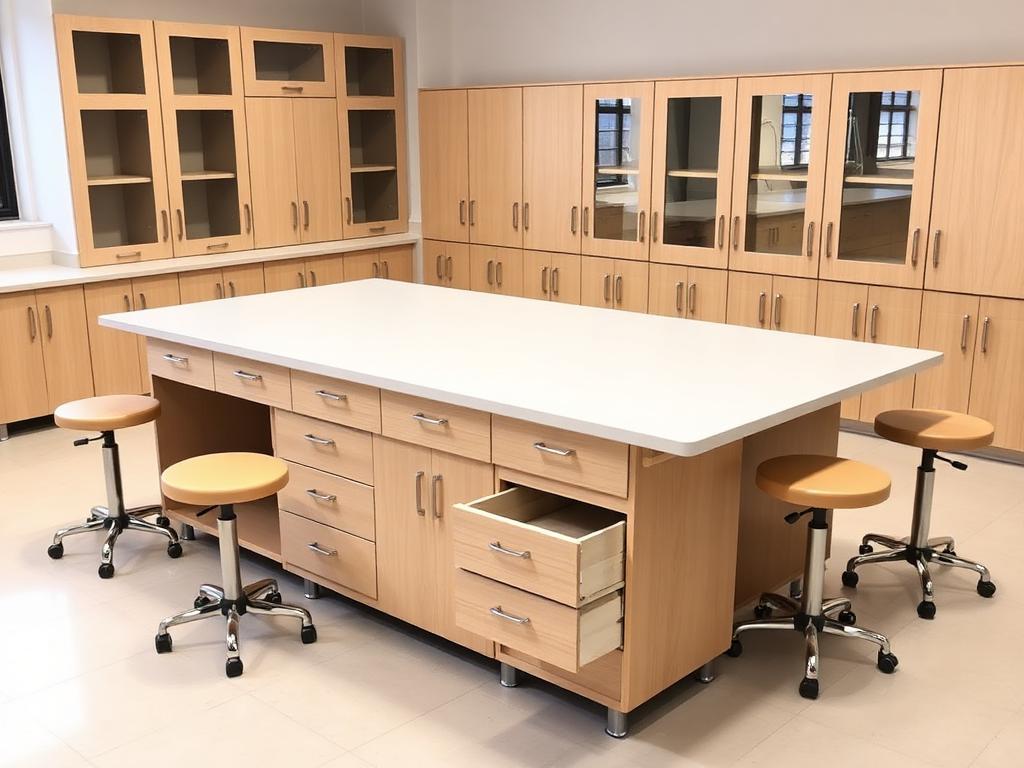
- Ergonomic computer tables
- Revolving / cushioned chairs
- Teacher desk + chair
- Server / printer table
- Whiteboard / display board
- Storage cupboards
Safety & Best Practices
Computer Lab Setup FAQs
What is included in a school computer lab setup?
The listed categories include student and teacher computers, monitors and peripherals, networking equipment, power backup, software, printers or display devices, and computer furniture.
Should a school provide one computer per student?
That depends on the teaching model, student strength, timetable and available budget. Decide whether machines are shared or individually assigned before calculating hardware and furniture quantities.
What should be planned before buying computers for a school lab?
Confirm the subjects and software to be used, number of simultaneous users, network requirements, electrical capacity, UPS needs, furniture layout, ventilation and support arrangements.
Ready to Set Up Your Computer Lab?
Get a free consultation and custom quote tailored to your school's space and budget.